
Easy to use


Senifone S1 - Simple smartphone for everyone
📱 Large buttons & clear keyboard
👥 Contacts directly on the home screen
🧭 User-friendly apps and menus
🚨 Adjustable SOS button for emergencies
✅ Specially designed for simplicity and safety
Why?
Easy to use even if you have no experience with smartphones.

The Senifone S1 is specially designed for those who don't like complicated menus, small buttons or unclear settings.
Large buttons, clear text, shortcuts to your contacts, video calling, SOS function and remote support – it's all there.
Simple, safe and familiar for yourself or your loved one.
The spacious 6.5-inch screen of the Senifone S1 is specially designed for the elderly and their loved ones. No fiddling with small letters or unclear images: thanks to the extra large, clear display of this senior smartphone, you can easily read messages, view photos and video call your children and grandchildren without a care in the world. This way you always stay in touch, without hassle or tired eyes.


With the Senifone S1 you can easily add multiple contacts to the home screen. This way you can call your daughter, grandchild or good friend with one push of a button. No long lists or complicated menus - just click on the photo and you are connected immediately.

The large red SOS button allows you to call a preset contact person, send an SMS with your location and sound an emergency signal. This function is fully adjustable to your wishes and offers extra peace of mind for you and your loved ones.

Choose how big you want the buttons, letters and keyboard to be. Our senior smartphone adapts to your needs. This way you can read messages effortlessly and type comfortably, without glasses or magnifying glass. Our extra large keyboard has been specially developed for visually impaired seniors. Of course, this is also optional and can be set completely to your wishes.

Are you looking for a senior phone with WhatsApp? With the Senifone S1 you are free to decide which apps you install. Whether you want to use WhatsApp, Facebook, email or your favorite banking app - it is all possible. This way you can easily stay in touch with family and friends, you can do your banking online and you stay up to date with the latest news.

The Senifone Companion App helps you stay connected and informed, wherever you are.
 Real-time location
 Help & support
 Secure. Private. Built for families.
 Dad is safe
 Home
Home
 82%
82%
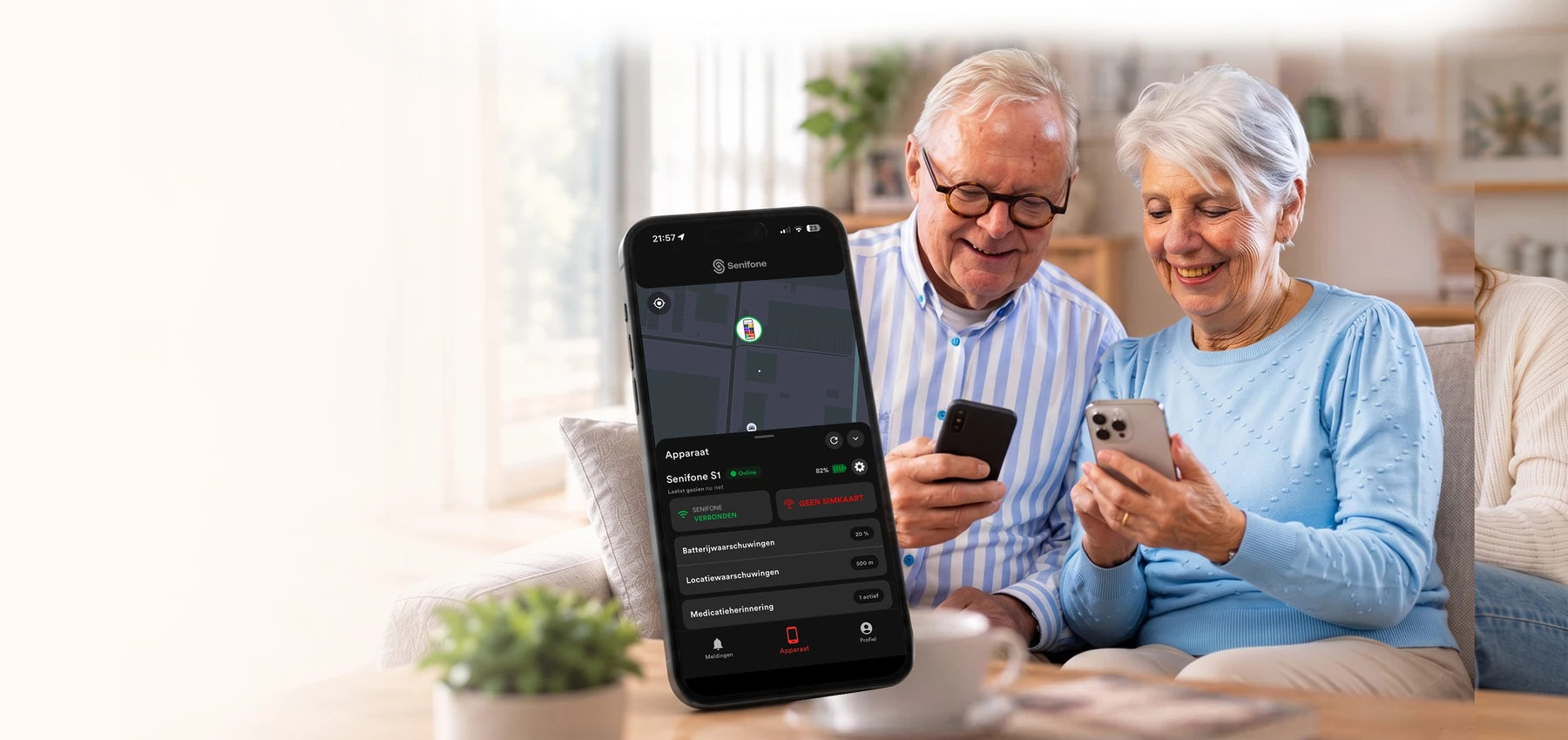


“This app gives me confidence knowing my dad is safe.”- Laura, daughter

Thanks to the powerful 5000 mAh battery, the Senifone S1 lasts 2 to 4 days on a single charge. This means you don't have to look for a power outlet every day and you can call, video call and view photos with peace of mind. This long battery life is ideal for seniors who don't want the hassle of charging and always want to be reachable.
Longer service life
Less stress
Reliable and safe
Designed for ease, safety and peace of mind. The Senifone S1 combines capable technology with simplicity, so you always stay connected without stress.
Easy to use

We help along

Safe environment
The Senifone S1 is not an ordinary smartphone. It is a little extra certainty that stays with you. With one press of a button you can contact your loved ones, feel protected by the SOS feature and stay connected with ease. No worries about complicated menus or technology, just calm, freedom and the confidence that you are never alone.
Dimensions
164.9 × 77.1 × 9.0 mm
Weight
196 g
Display
6.53" IPS LCD, 400 nits, 1600 × 720 (HD+), 20:9
Chipset / processor
MediaTek MT6762G Helio G25, 8-core, 2.0 GHz
GPU
PowerVR GE8320
RAM
2 GB or 4 GB
Storage
32 GB or 64 GB
Expandable storage
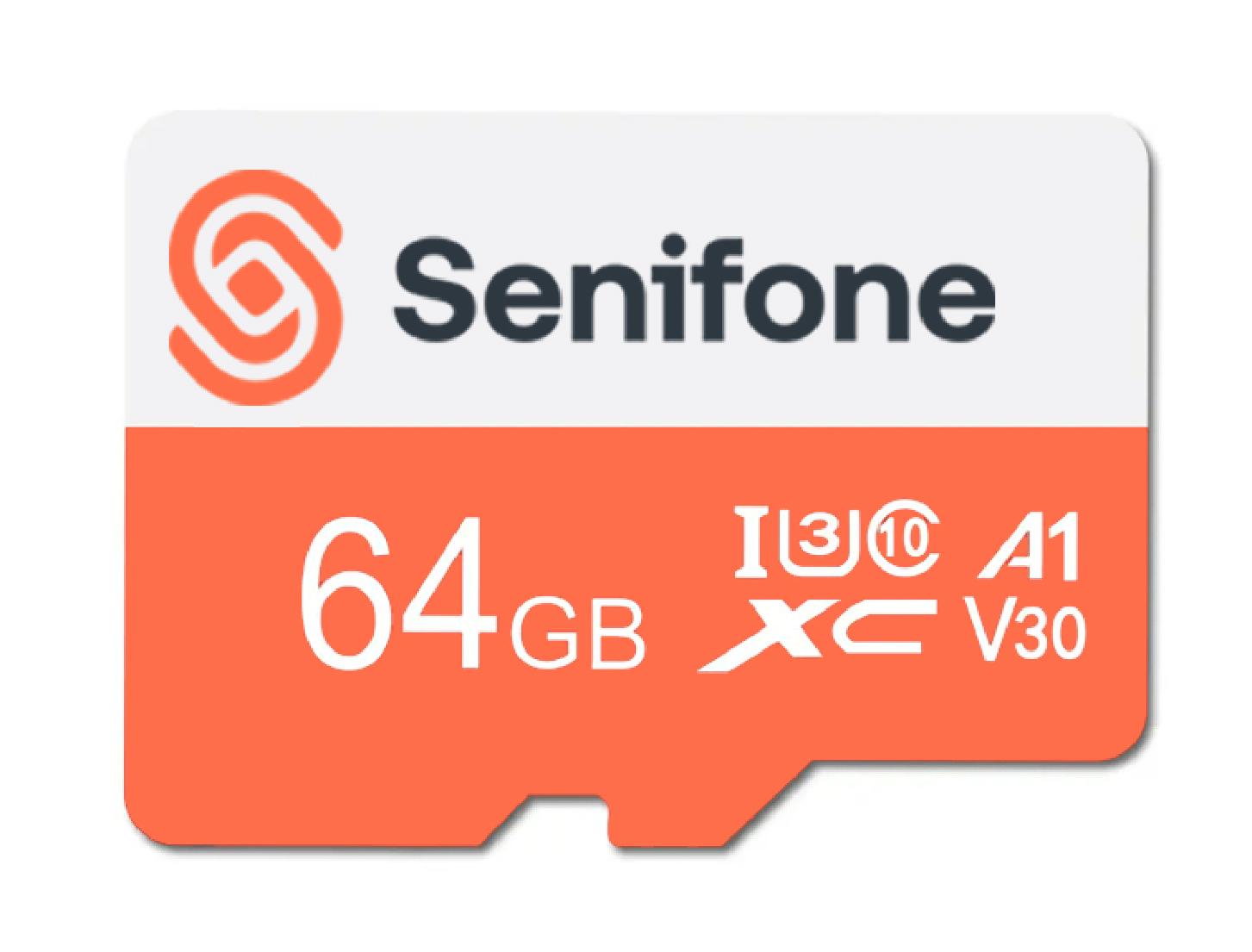
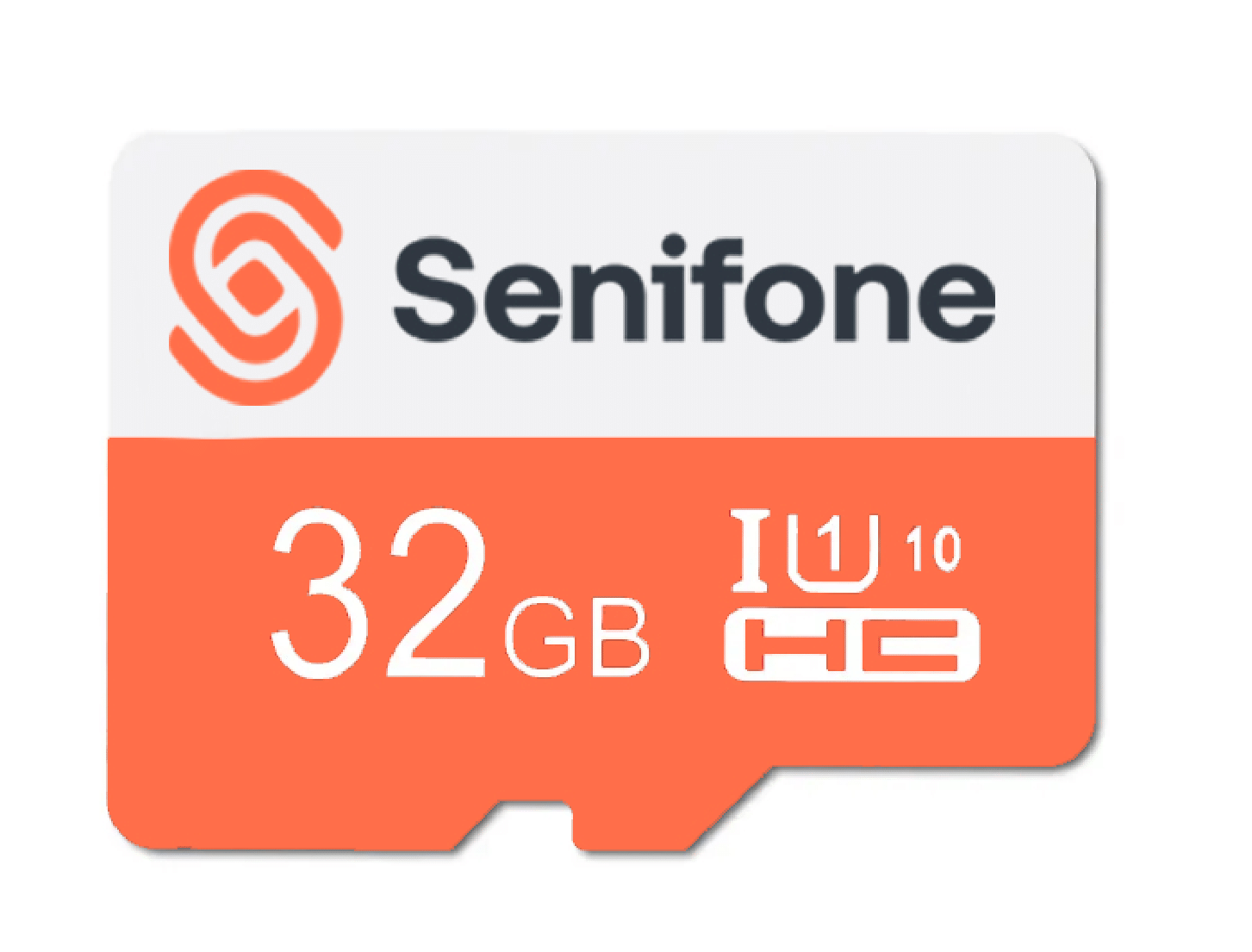
MicroSD up to 512 GB
Battery
5000 mAh
Charging
10W via Micro-USB
Operating system
Android 13 (SeniOS)
Connectivity
Dual nanoSIM, 4G/LTE, Wi-Fi 802.11 b/g/n, Bluetooth 5.0
Camera
13 MP rear, 5 MP front
Compare the versions and get clear answers about apps, SIM cards, safety, and switching phones.
The version with 32 GB of storage and 2 GB of memory is suitable for basic use, such as calls and occasional messages. The version with 64 GB of storage and 4 GB of memory is faster and has more room for WhatsApp, photos, videos, and apps. For most users, 64 GB is therefore the more future-proof choice.
Did this answer help you?
Quick security check
Sorry this did not help.
Please call, chat, or email us. We will personally help you further.
Yes. The Senifone S1 runs Android and includes the Google Play Store. You can install and use apps such as WhatsApp, Facebook, or games.
Did this answer help you?
Quick security check
Sorry this did not help.
Please call, chat, or email us. We will personally help you further.
The Senifone S1 is SIM-free and has space for two nano-SIM cards. You can use an existing contract, a SIM-only plan, or a prepaid card from a mainstream provider. You need an active SIM for calls, texts, and mobile internet; apps can also use Wi-Fi at home.
Did this answer help you?
Quick security check
Sorry this did not help.
Please call, chat, or email us. We will personally help you further.
You first select one or more emergency contacts. When the SOS button is activated, the Senifone S1 can call a contact, send a text message with its location, and sound an alarm. If the Companion App is paired, the loved one can also receive an SOS alert there.
Did this answer help you?
Quick security check
Sorry this did not help.
Please call, chat, or email us. We will personally help you further.
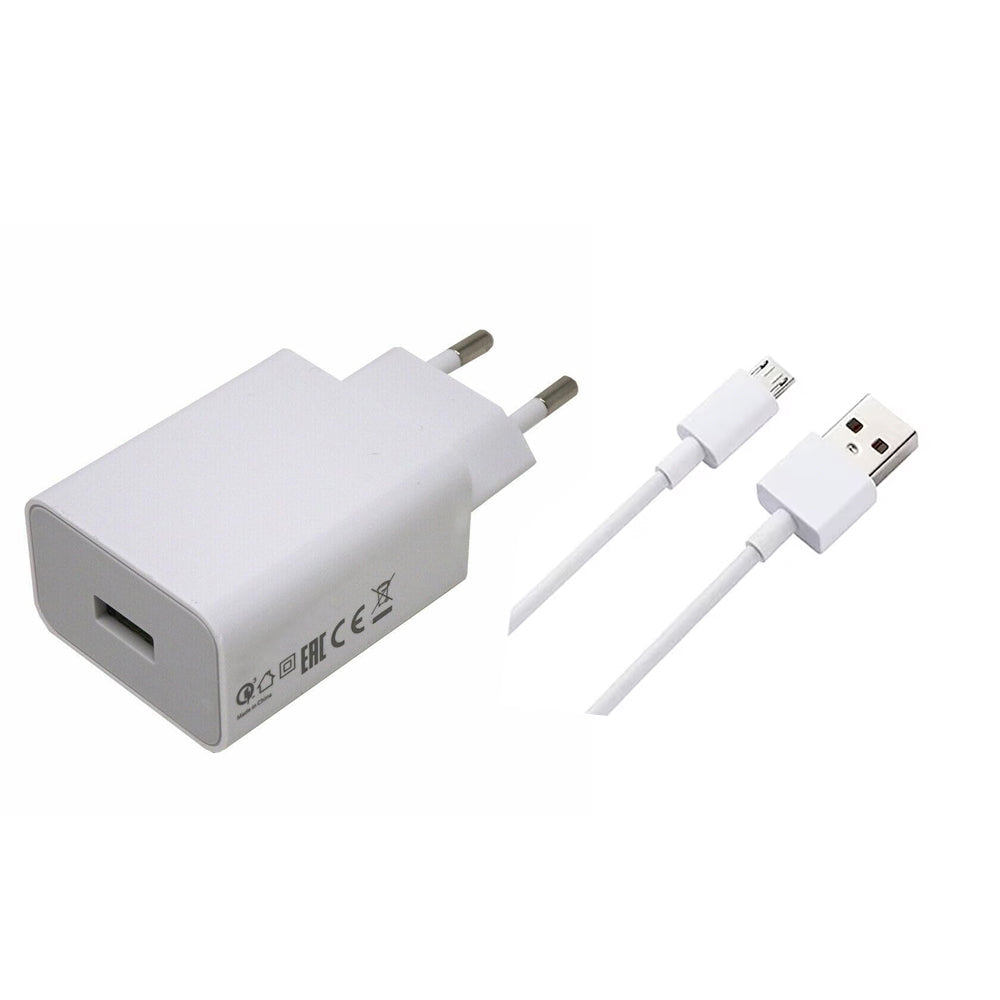
The Senifone S1 has a 5000 mAh battery and usually lasts 2 to 4 days, depending on use. It charges with the included Micro-USB cable and power adapter. Frequent video calls, high screen brightness, and background apps can reduce battery life.
Did this answer help you?
Quick security check
Sorry this did not help.
Please call, chat, or email us. We will personally help you further.
Many modern hearing aids can connect to the Senifone S1 through Bluetooth. Pairing differs by brand and model, so check your hearing aid manual or ask your hearing care professional whether Bluetooth pairing is supported.
Did this answer help you?
Quick security check
Sorry this did not help.
Please call, chat, or email us. We will personally help you further.
No. The Senifone S1 does not have NFC, so you cannot make contactless payments directly with the phone. Depending on your bank and its app, a compatible payment wearable or smartwatch may still work.
Did this answer help you?
Quick security check
Sorry this did not help.
Please call, chat, or email us. We will personally help you further.
Yes. You can easily transfer contacts through your Google account or SIM card. Photos can be transferred through your Google account or an SD card. Our customer service team can help you choose the right method.
Did this answer help you?
Quick security check
Sorry this did not help.
Please call, chat, or email us. We will personally help you further.
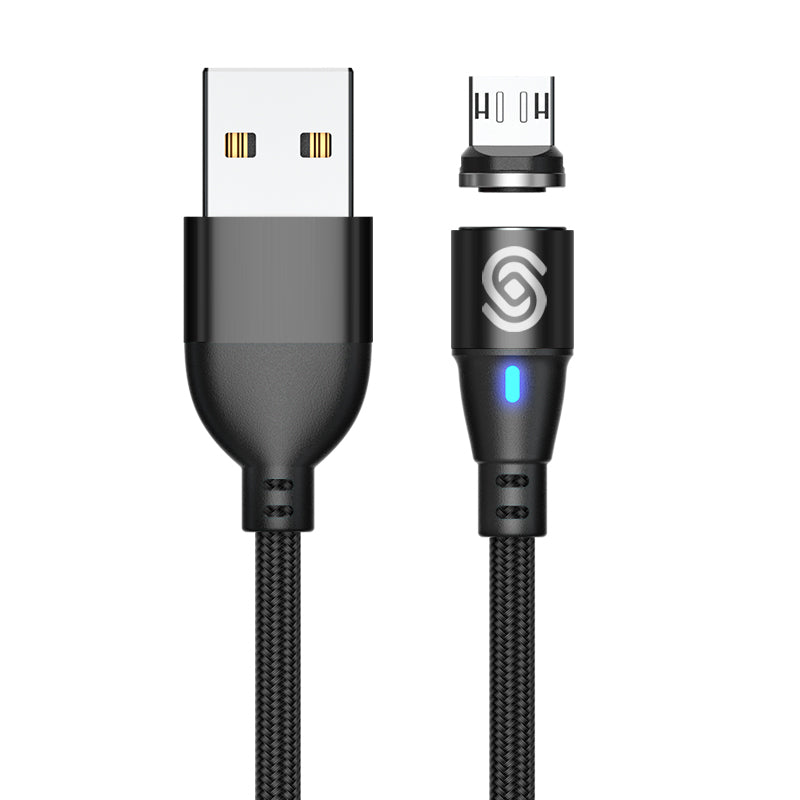
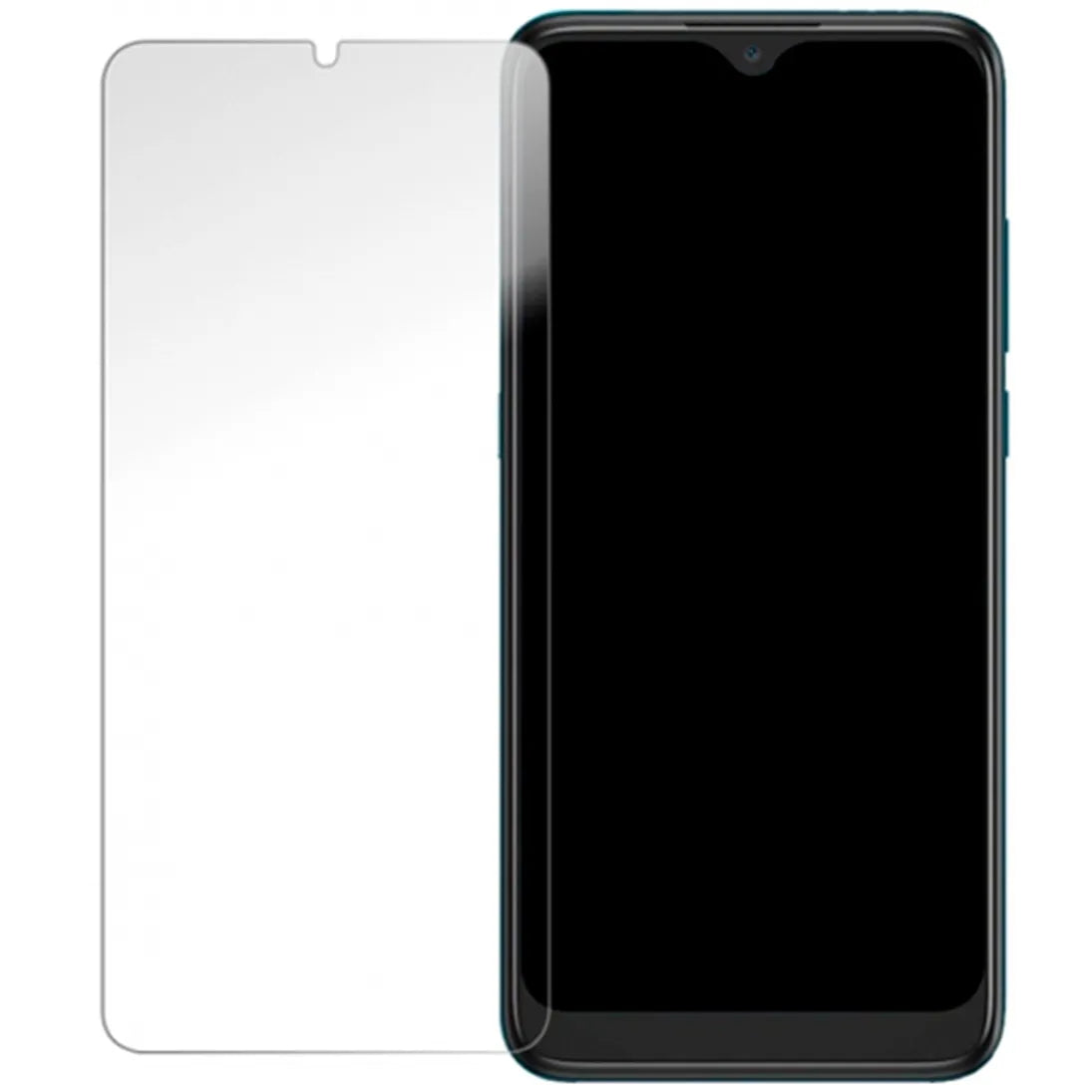
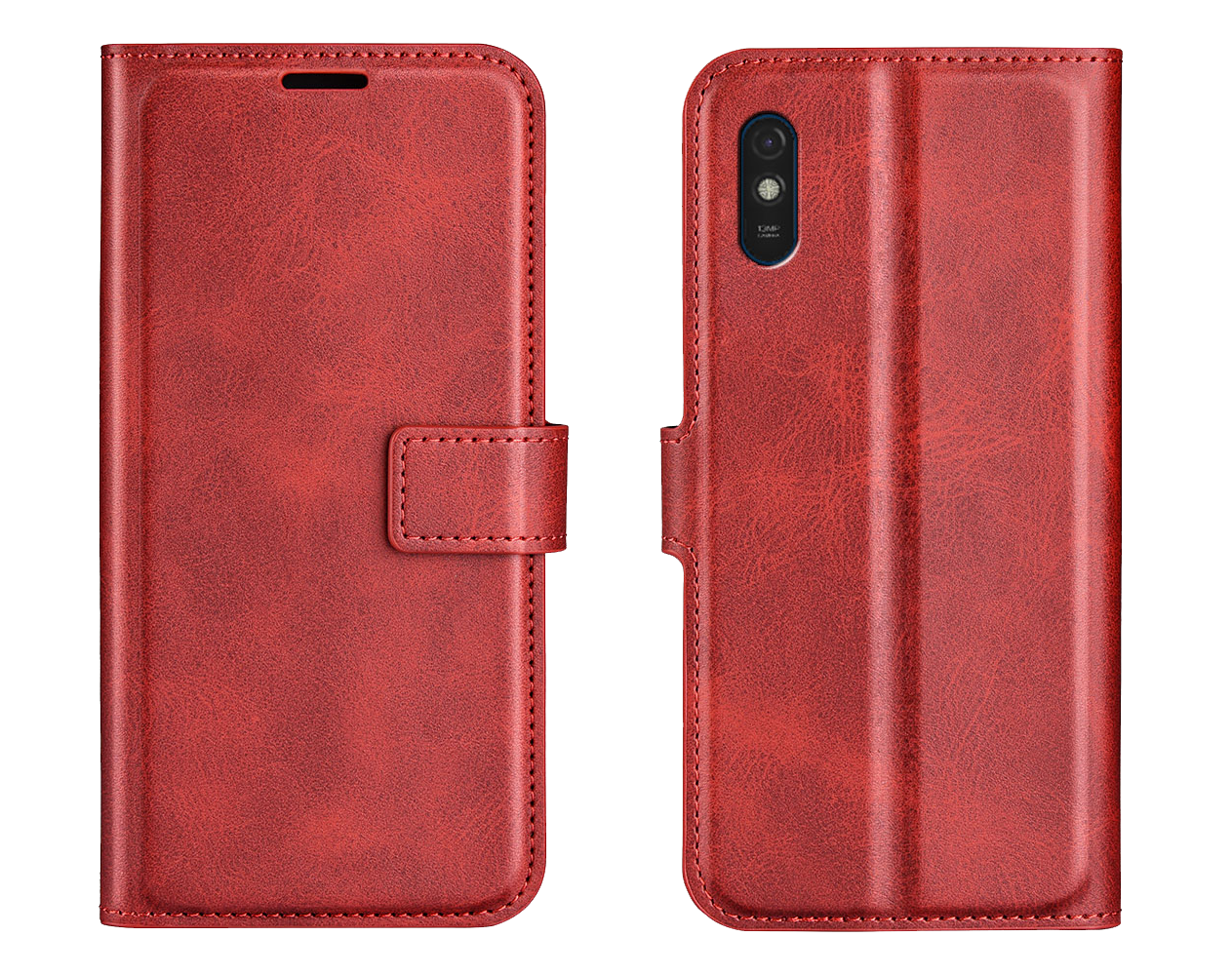
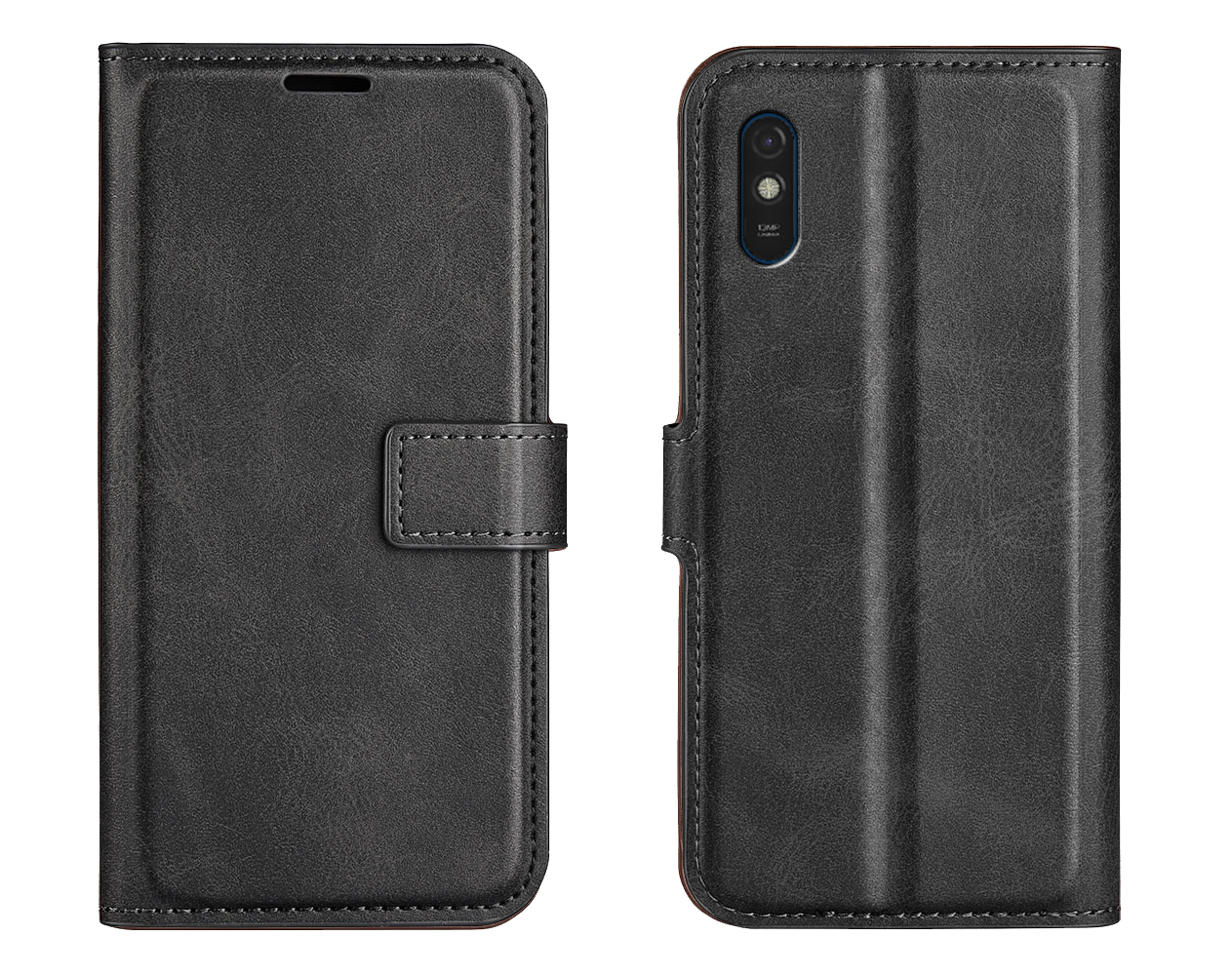
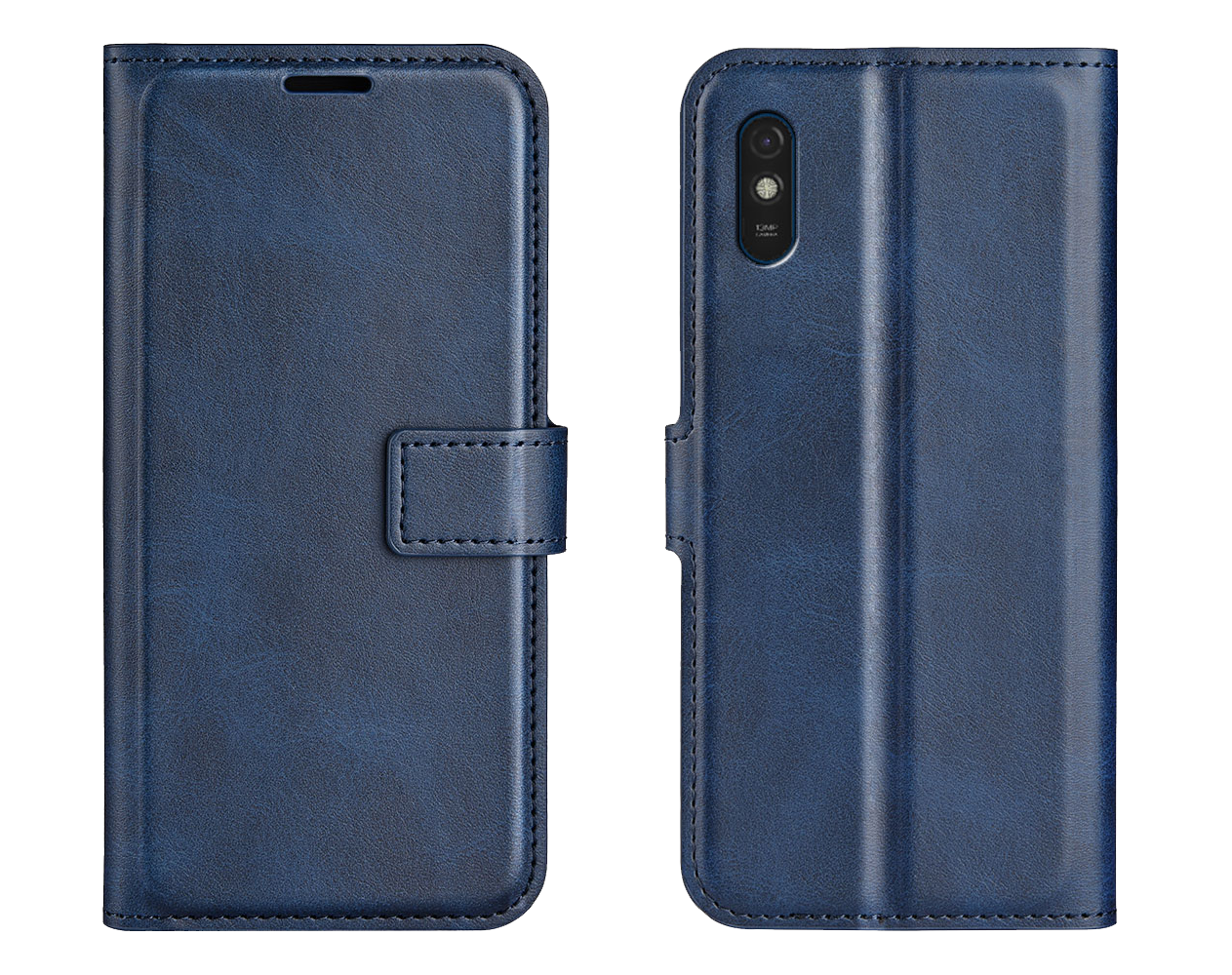
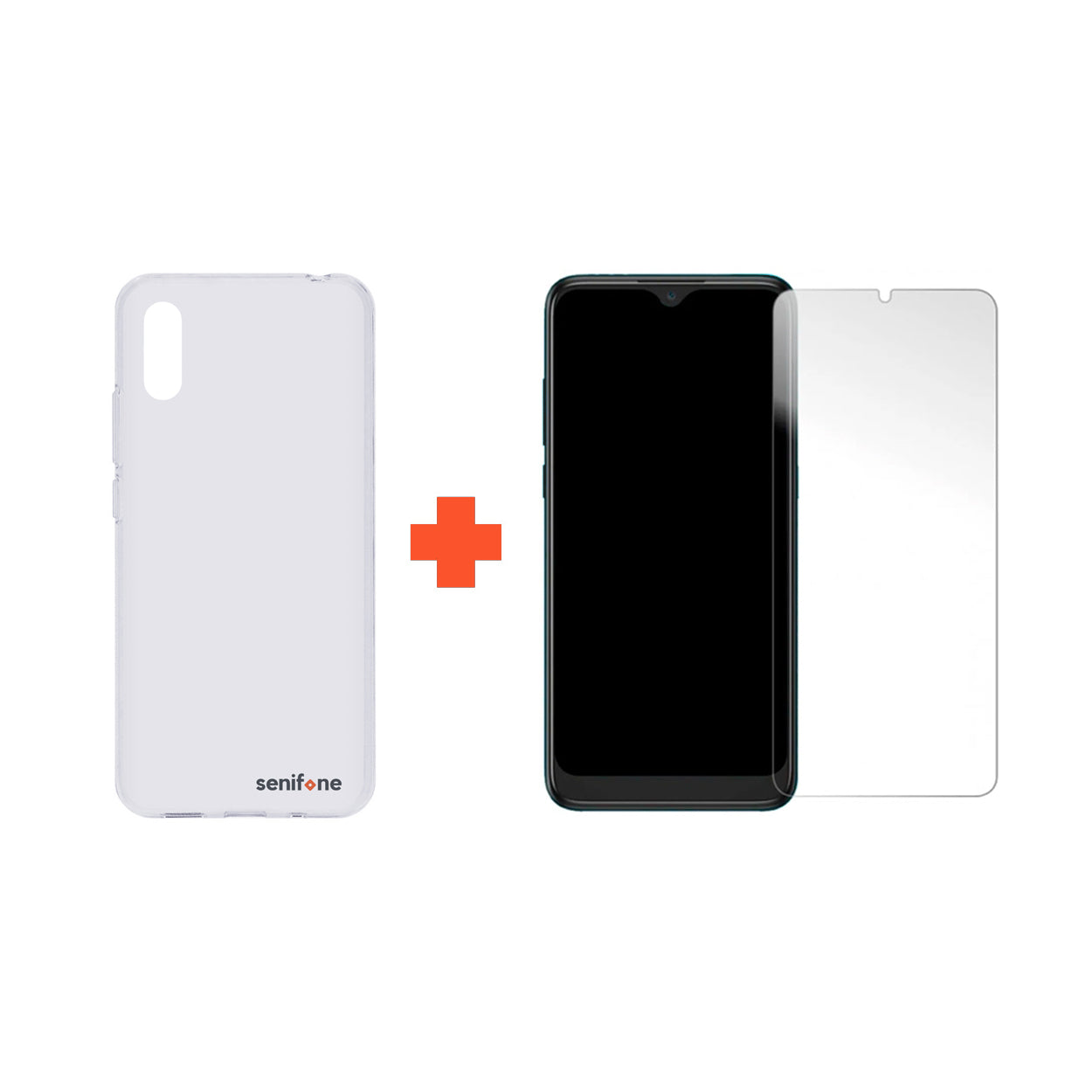
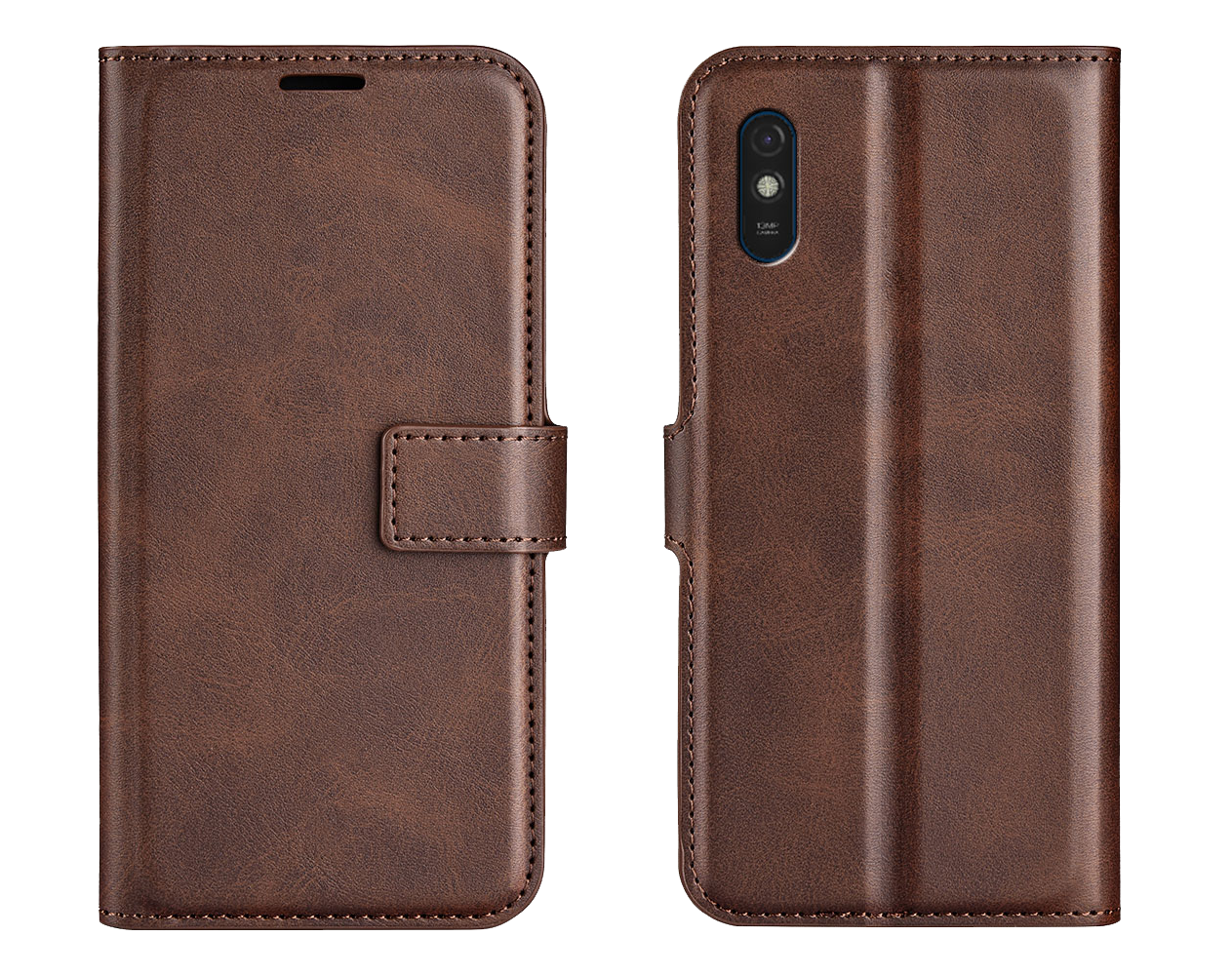
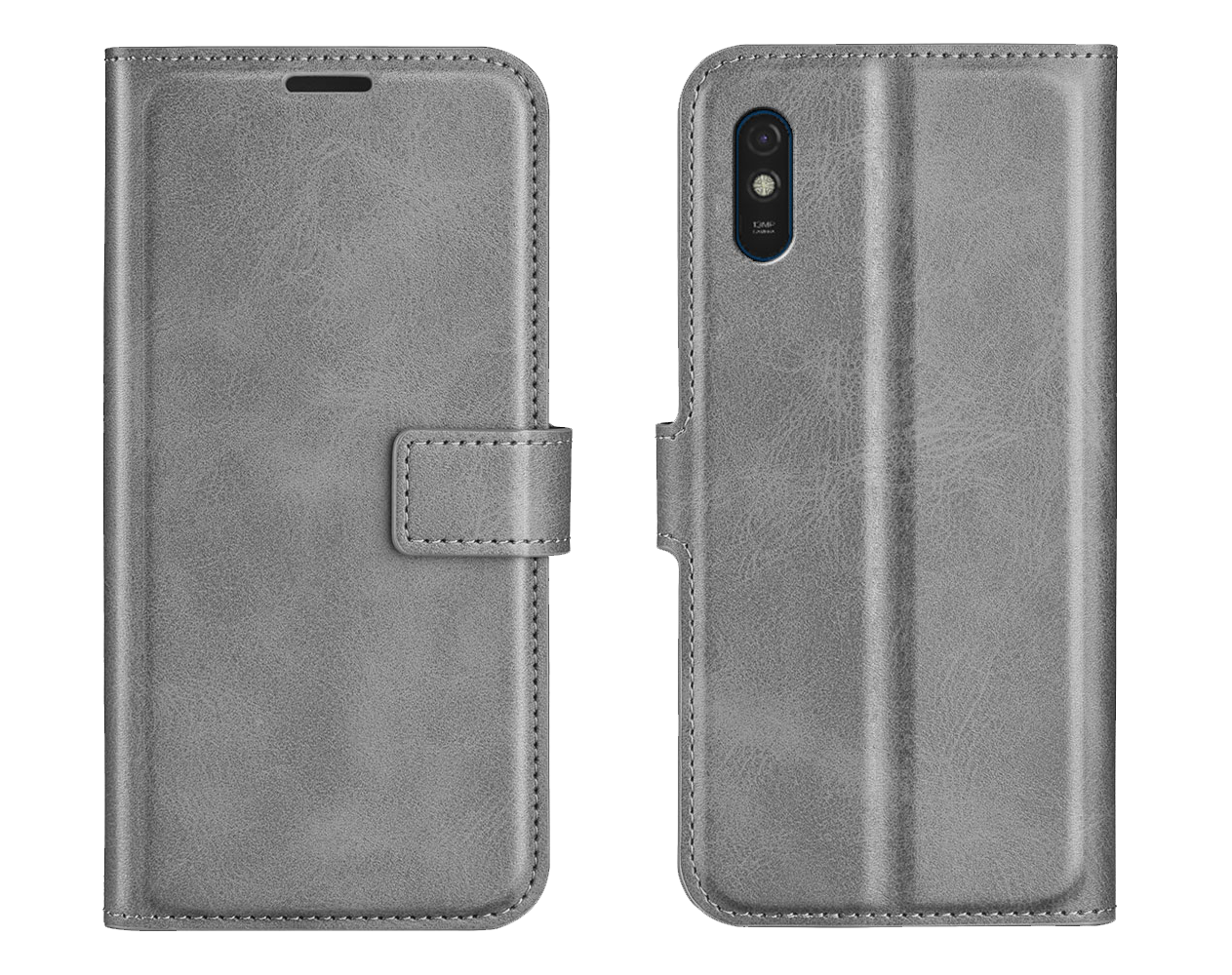
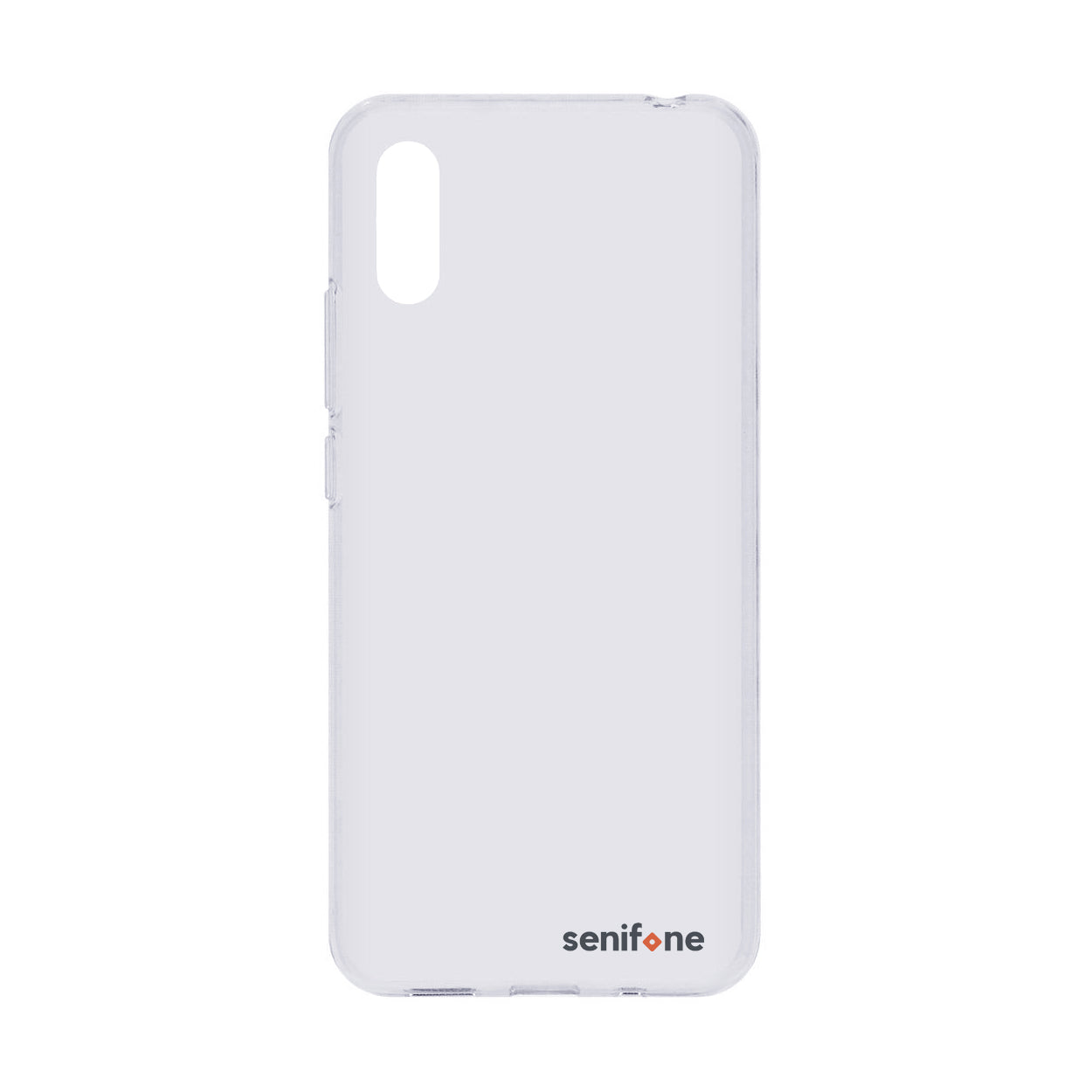
The box contains the Senifone S1, a quick start guide, a power adapter, and a Micro-USB charging cable. The quick start guide directs you to the full online manual. A SIM card and accessories such as a case or screen protector are sold separately.
Did this answer help you?
Quick security check
Sorry this did not help.
Please call, chat, or email us. We will personally help you further.
The full manual is available online at manual.senifone.com. The Senifone S1 also includes the Manual app with the same information.
Did this answer help you?
Quick security check
Sorry this did not help.
Please call, chat, or email us. We will personally help you further.
Yes. You can try the Senifone S1 for 30 days after delivery. If it is not right for you, you can return it free of charge in accordance with our returns policy. The statutory warranty also applies; in practice, we provide a 2-year warranty for defects that were not caused by the user.
Did this answer help you?
Quick security check
Sorry this did not help.
Please call, chat, or email us. We will personally help you further.

Sign up for our newsletter and receive more information about our updates, promotions and more!